Smart Home Basics: Getting Started with Home Automation
A beginner's guide to home automation, covering essential devices, setup considerations, and practical ways to make your home smarter.
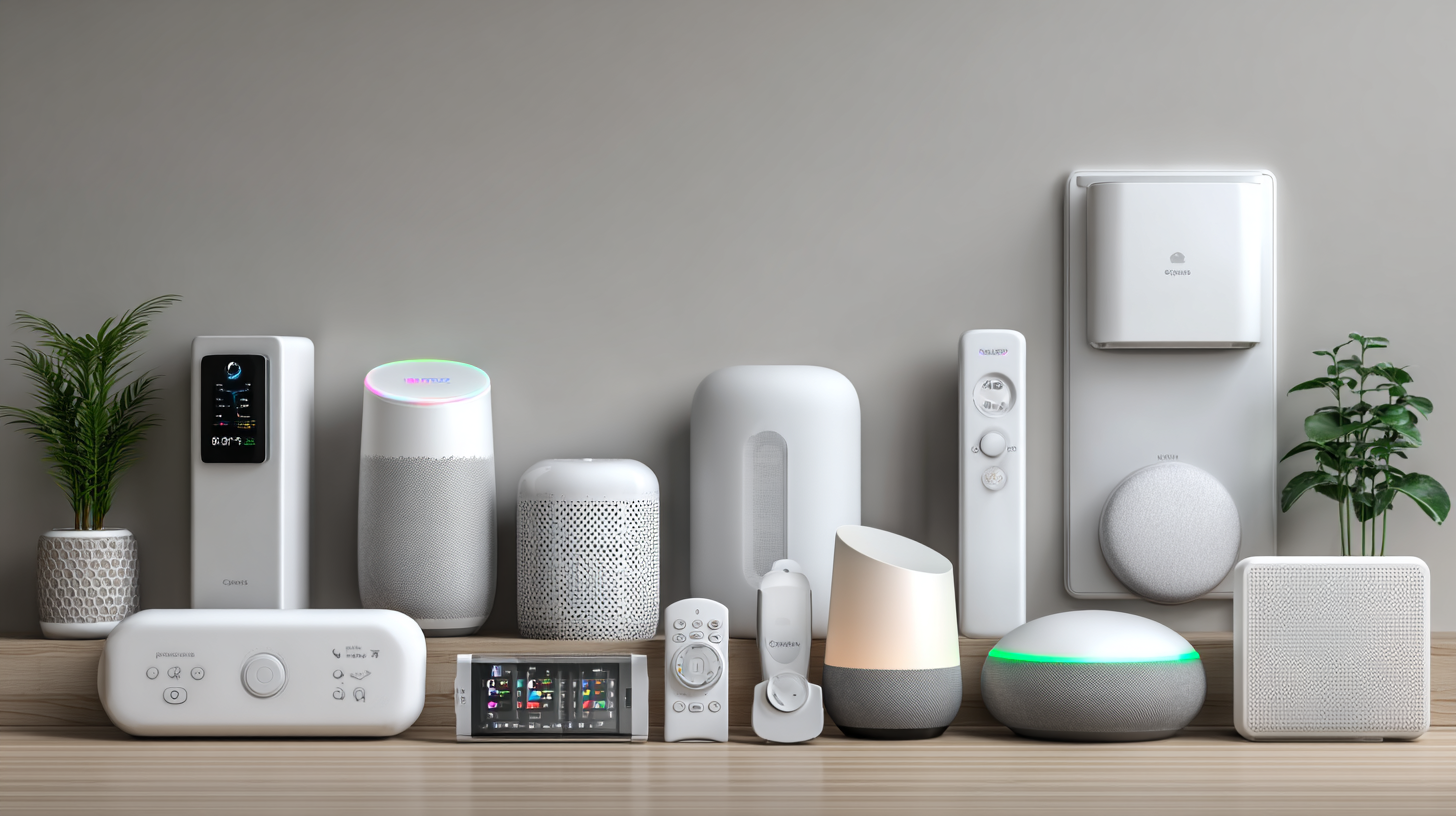
Smart home technology has evolved from a luxury for tech enthusiasts to an accessible option for anyone looking to add convenience, efficiency, and security to their living space. This guide covers the fundamentals of home automation and helps you make informed decisions about building your connected home.
What Is a Smart Home?
A smart home uses internet-connected devices to enable remote monitoring and management of appliances and systems. These devices can be controlled through smartphones, voice assistants, or automation rules that operate without your direct input.
Common smart home capabilities include:
- Controlling lights with your voice or phone
- Adjusting thermostats remotely
- Monitoring your home through security cameras
- Receiving alerts when doors or windows open
- Automating routines like turning off all lights at bedtime
Core Components of a Smart Home
Smart Hub
A smart hub serves as the central controller for your devices. It allows different devices to communicate with each other and enables complex automations.
Popular options:
- Amazon Echo devices (Alexa)
- Google Nest Hub (Google Assistant)
- Apple HomePod (HomeKit)
- Samsung SmartThings Hub
You don't always need a dedicated hub. Many devices work independently with their own apps, and voice assistants can serve as basic hubs for compatible devices.
Wi-Fi Network
Your home network is the backbone of your smart home. A strong, reliable Wi-Fi network is essential.
Considerations:
- Router placement for maximum coverage
- Mesh network systems for larger homes
- Separate network for smart devices (optional but improves security)
- Adequate bandwidth for multiple connected devices
Smart Devices
These are the individual products that add intelligence to your home. Categories include:
Lighting: Smart bulbs, switches, and plugs
Climate: Smart thermostats and air quality monitors
Security: Cameras, doorbells, locks, and sensors
Entertainment: Smart TVs, speakers, and streaming devices
Appliances: Smart plugs, robot vacuums, and connected appliances
Starting Your Smart Home Journey
Begin with One Room or Function
Rather than attempting to automate your entire home at once, start with one area or function. This approach lets you learn the technology without becoming overwhelmed.
Good starting points:
- Smart lighting in your living room
- A smart thermostat for energy savings
- A video doorbell for security
Choose an Ecosystem
Different smart home ecosystems have varying levels of compatibility. Choosing an ecosystem early helps ensure your devices work well together.
Amazon Alexa: Widest device compatibility, strong voice control
Google Home: Excellent integration with Google services, natural voice recognition
Apple HomeKit: Strong privacy focus, seamless for Apple users, fewer compatible devices
Samsung SmartThings: Works across ecosystems, good for mixed environments
You're not locked into one ecosystem forever, but consistency makes automation easier and reduces frustration.
Consider Your Priorities
Think about what you want smart home technology to accomplish:
Convenience: Voice control, automated routines, remote access
Energy efficiency: Smart thermostats, automated lighting, energy monitoring
Security: Cameras, smart locks, motion sensors, alerts
Entertainment: Multi-room audio, voice-controlled media, smart displays
Your priorities guide which devices to purchase first.
Essential Smart Home Devices
Smart Speakers and Displays
These serve as your primary interface with your smart home. Voice commands control devices, play music, answer questions, and more.
Benefits:
- Hands-free control of all compatible devices
- Information access without reaching for your phone
- Intercom functionality between rooms
- Entertainment hub for music and video
Smart Lighting
Lighting is often the best starting point for smart home beginners. Options range from smart bulbs to smart switches.
Smart bulbs: Replace existing bulbs, offer color options, no electrical work required
Smart switches: Replace wall switches, work with existing bulbs, require basic electrical knowledge
Smart plugs: Make any lamp smart, easy plug-and-play setup
Features to look for:
- Dimming capabilities
- Color temperature adjustment
- Color-changing options
- Scheduling and automation
Smart Thermostats
A smart thermostat can significantly reduce energy bills while improving comfort.
Key features:
- Learning your schedule and preferences
- Remote control via smartphone
- Energy usage reports
- Integration with other smart devices
Popular options:
- Google Nest Learning Thermostat
- Ecobee SmartThermostat
- Honeywell Home T-series
Smart Security Devices
Security devices provide peace of mind and practical benefits.
Video doorbells: See who's at your door from anywhere, communicate with visitors
Security cameras: Monitor your property, receive motion alerts, store footage
Smart locks: Lock and unlock remotely, create temporary codes for guests, see entry history
Motion and contact sensors: Receive alerts when doors open or motion is detected
Setting Up Automations
The real power of smart homes comes from automations—actions that happen automatically based on triggers.
Common Automation Examples
Time-based:
- Turn on porch light at sunset
- Lower thermostat at 11 PM
- Start coffee maker at 6:30 AM
Presence-based:
- Turn off all lights when everyone leaves
- Adjust thermostat when you arrive home
- Arm security system when house is empty
Event-based:
- Turn on hallway lights when motion is detected at night
- Send alert when doorbell rings
- Lock all doors at bedtime
Condition-based:
- If temperature exceeds 75 degrees, close blinds
- If no motion for 30 minutes, turn off office lights
Creating Effective Automations
Start simple and build complexity over time. Test each automation thoroughly before adding more.
Best practices:
- Consider edge cases (what happens when schedules overlap?)
- Build in manual override options
- Review and refine automations regularly
- Document complex automations for troubleshooting
Privacy and Security Considerations
Connected devices introduce security and privacy considerations that deserve attention.
Security Best Practices
Strong passwords: Use unique, complex passwords for all devices and accounts
Two-factor authentication: Enable it wherever available
Regular updates: Keep device firmware and apps updated
Separate network: Consider a dedicated network for smart devices
Review permissions: Understand what data each device collects
Privacy Considerations
Smart devices collect data about your habits and home. Consider:
- Which companies have access to your data
- What data is stored locally versus in the cloud
- Voice assistant recording policies
- Camera footage storage and access
Read privacy policies and adjust settings to match your comfort level.
Common Smart Home Challenges
Connectivity Issues
Wi-Fi dead spots can cause device problems. Solutions include mesh networks, Wi-Fi extenders, or relocating your router.
Device Compatibility
Not all devices work with all ecosystems. Check compatibility before purchasing and consider devices that support multiple platforms.
Family Adoption
Smart home technology works best when everyone in the household knows how to use it. Take time to teach family members and create simple interfaces they can use comfortably.
Overcomplication
It's possible to automate too much. If automations interfere with normal activities or cause confusion, simplify. The goal is convenience, not complexity.
Future-Proofing Your Smart Home
Technology evolves rapidly. Some strategies for building a lasting smart home:
Choose established brands: They're more likely to continue supporting products
Prefer standard protocols: Matter, Thread, and Zigbee provide more flexibility
Focus on fundamentals: Lighting, climate, and security will remain relevant
Build incrementally: Add devices over time rather than buying everything at once
Your smart home should make daily life easier and more efficient. Start small, learn as you go, and expand based on what actually improves your living experience.
Tags
Written by
Sam Williams
A contributing writer at InsightWireDaily. Our team is dedicated to providing well-researched, accurate, and helpful content to our readers.
Learn more about our teamRelated Articles

Cloud Storage Services Compared: Finding the Right Fit
A comprehensive comparison of popular cloud storage services to help you choose the best option for your needs and budget.

Smartphone Battery Tips: Extend Your Phone's Battery Life
Practical strategies to maximize your smartphone's battery life throughout the day and maintain battery health over time.

Password Security: Protecting Your Digital Identity
Learn essential password security practices including creating strong passwords, using password managers, and enabling two-factor authentication.