Digital Decluttering: Organize Your Digital Life for Better Focus
A comprehensive guide to organizing your files, emails, and digital spaces to reduce overwhelm and improve daily productivity.
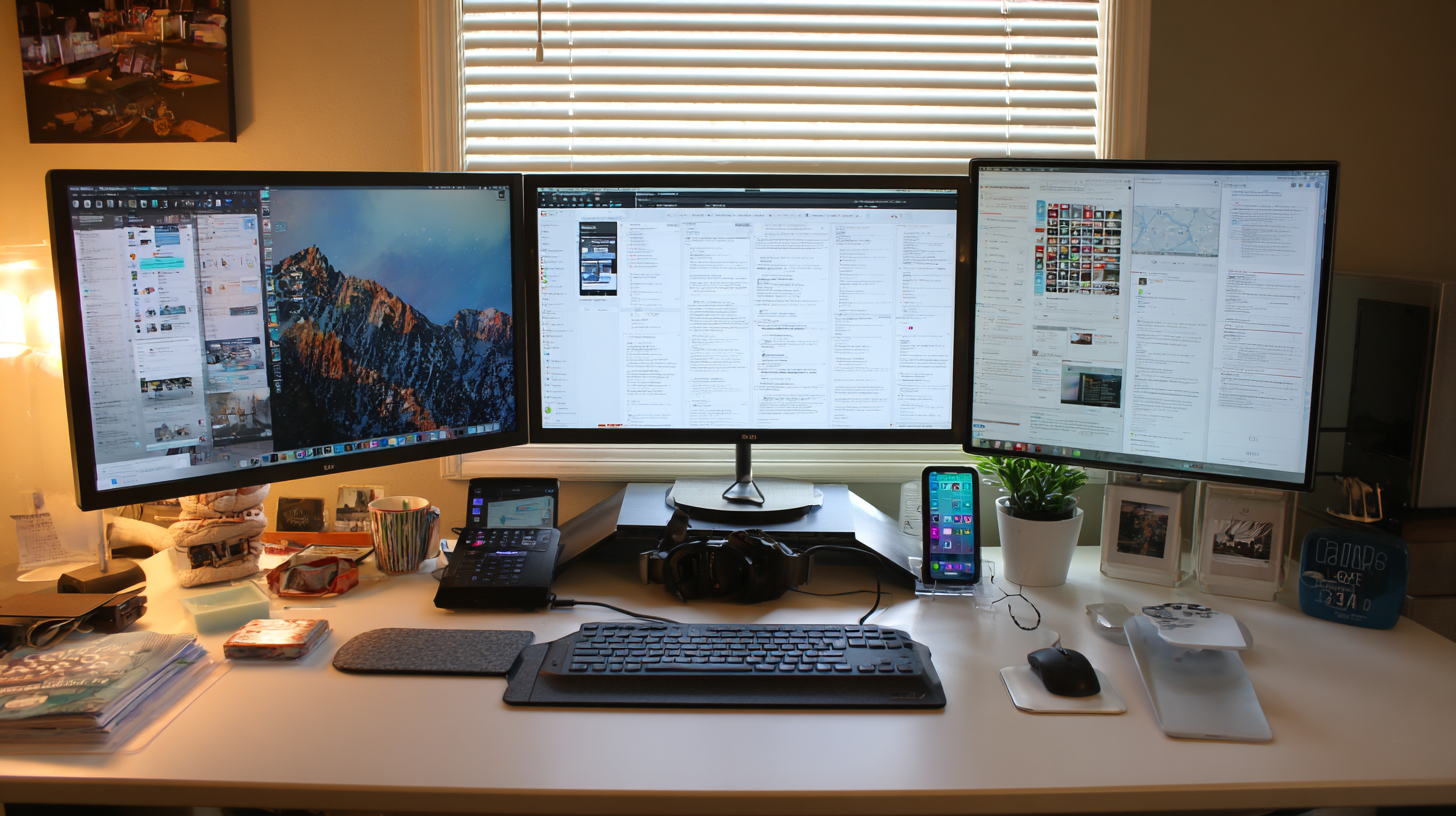
The average professional spends significant time each day searching for files, sorting through emails, and navigating cluttered digital spaces. This digital chaos creates stress, wastes time, and diminishes your ability to focus on meaningful work.
Digital decluttering involves systematically organizing your digital life to create calm, efficient systems that support your productivity rather than hinder it.
Signs You Need a Digital Declutter
You might benefit from digital decluttering if you:
- Frequently can't find files you know you saved
- Have thousands of unread emails
- Feel overwhelmed when you open your computer
- Have duplicate files scattered across devices
- Miss important information buried in digital noise
- Spend more time organizing than actually working
Starting Your Digital Declutter
Before diving in, understand that digital decluttering is not a one-time event but an ongoing practice. Start by setting realistic expectations and scheduling dedicated time for this project.
The Two-Phase Approach
Phase 1 - Initial Purge: Set aside several hours to address the backlog of digital clutter.
Phase 2 - Maintenance Systems: Create habits and systems to prevent clutter from accumulating again.
Decluttering Your Desktop
Your computer desktop is often the first thing you see when you start work. A cluttered desktop creates visual noise that can affect your mental state and productivity.
Desktop Organization Steps
- Delete obvious trash: Remove files you clearly don't need
- Create a temporary folder: Move everything into a single folder to start fresh
- Process the temporary folder: Sort items into proper locations or delete them
- Limit desktop items: Keep only the files and folders you access daily
- Use a simple wallpaper: Busy backgrounds add visual clutter
Aim for a desktop with only essential shortcuts and no loose files. Everything else belongs in organized folders.
File Organization System
Creating a logical file structure prevents the chaos of scattered documents across your computer.
Folder Structure Principles
Use a hierarchy: Create main categories with subcategories as needed
Name folders clearly: Anyone should understand what's inside from the name
Limit folder depth: Don't nest folders more than 3-4 levels deep
Be consistent: Use the same naming conventions everywhere
Suggested Main Categories
- Work: Projects, clients, administrative documents
- Personal: Finance, health, legal documents
- Media: Photos, music, videos
- Archive: Completed projects and old files you need to keep
- Inbox: Temporary landing spot for new files
File Naming Best Practices
Good file names make searching and sorting easier:
- Start with the date for chronological documents: YYYY-MM-DD_description
- Include project or client names where relevant
- Be specific: "Q4-2025-Marketing-Report" beats "Final Report"
- Avoid special characters that might cause issues
Email Management
Email is often the biggest source of digital overwhelm. The key is creating systems that keep your inbox manageable.
Inbox Zero Approach
Inbox Zero doesn't mean having zero emails at all times—it means your inbox is not a storage system. Each email should be processed and moved out of the inbox.
Processing options for each email:
- Delete/Archive: No action needed
- Reply immediately: If it takes less than 2 minutes
- Delegate: Forward to someone else who should handle it
- Defer: Move to a folder or task list for later action
- Do: Add substantial tasks to your task management system
Folder Structure for Email
Keep your email folder structure simple:
- Inbox: New, unprocessed emails only
- Action Required: Emails needing your response or action
- Waiting For: Emails where you're waiting for someone else
- Reference: Important information you might need to find later
- Archive: Everything else worth keeping
Unsubscribe Ruthlessly
Take 30 minutes to scroll through recent newsletters and promotional emails. Unsubscribe from anything you consistently delete without reading. Services like Unroll.me can help identify and manage subscriptions.
Cloud Storage Organization
Many people have files scattered across multiple cloud services. Consolidate and organize these spaces.
Cloud Cleanup Steps
- Inventory your cloud services: List every service where you store files
- Choose primary services: Decide which services you'll use for what purposes
- Consolidate: Move files from services you're abandoning
- Apply your folder structure: Use the same organizational system across all platforms
- Review sharing settings: Check who has access to your shared files
Photo and Media Organization
Photos often represent the largest volume of personal digital files. Without organization, finding specific photos becomes nearly impossible.
Photo Organization Strategy
Sort chronologically: Most photo apps do this automatically
Create albums for events and people: Makes finding specific photos easier
Delete ruthlessly: Remove duplicates, blurry photos, and images you'll never look at
Back up properly: Ensure photos are saved in at least two locations
Consider a dedicated photo service: Google Photos, Apple Photos, or similar services offer powerful organization and search features
Browser and Bookmark Management
Browser clutter—excessive tabs, disorganized bookmarks, and unnecessary extensions—slows both your computer and your thinking.
Browser Cleanup
Close unnecessary tabs: If you have dozens of tabs open, most aren't serving you. Close them.
Use bookmark folders: Organize bookmarks into categories
Delete unused bookmarks: Remove sites you no longer visit
Review extensions: Remove extensions you don't actively use
Clear cache and cookies: Regular cleaning improves browser performance
Phone Organization
Your phone is another space that accumulates digital clutter.
Phone Declutter Steps
Delete unused apps: If you haven't used an app in months, remove it
Organize home screens: Keep only essential apps on your main screen
Turn off non-essential notifications: Most apps don't need to interrupt you
Review photo roll: Delete unwanted photos and ensure good photos are backed up
Clean up contacts: Remove duplicates and outdated entries
Password Management
Scattered passwords create both security risks and daily friction.
Use a password manager: Services like 1Password, Bitwarden, or LastPass securely store all your passwords
Audit existing passwords: Identify weak or reused passwords and update them
Enable two-factor authentication: Add this security layer to important accounts
Creating Maintenance Habits
Once you've decluttered, maintain your systems with regular habits:
Daily: Process email to inbox zero, save files to proper locations
Weekly: Quick desktop cleanup, review and organize recent downloads
Monthly: Deep email archive review, cloud storage check
Quarterly: Full system audit, password review, subscription check
The Mental Benefits of Digital Organization
Beyond time savings, digital organization provides psychological benefits:
Reduced decision fatigue: Clear systems mean fewer decisions about where things go
Lower anxiety: Knowing you can find what you need creates calm
Improved focus: Less visual clutter allows deeper concentration
Greater control: Organized systems make you feel in command of your digital life
Digital decluttering is an investment that pays dividends every day. The hours you spend organizing will return many more hours in saved search time, reduced stress, and improved productivity.
Tags
Written by
Morgan Park
A contributing writer at InsightWireDaily. Our team is dedicated to providing well-researched, accurate, and helpful content to our readers.
Learn more about our teamRelated Articles

Effective Time Management Strategies for Busy Professionals
Learn practical time management techniques that help you accomplish more while reducing stress and improving work-life balance.

Remote Work Productivity: Creating an Effective Home Office
Discover how to set up your home workspace and develop habits that maximize productivity while maintaining work-life boundaries.

Goal Setting Frameworks That Actually Work
Explore proven goal-setting methods that help you define meaningful objectives and create actionable plans to achieve them.